
Short answer: Claude and other AI agents are useful thinking partners, but a useful-sounding recommendation is not the same as a measured marketing decision. CiteCue gives the agent — and your team — the missing system around the advice: repeatable scans, your real competitors and citations, a prioritized fix, a way to ship it, and a later scan that checks whether it worked.
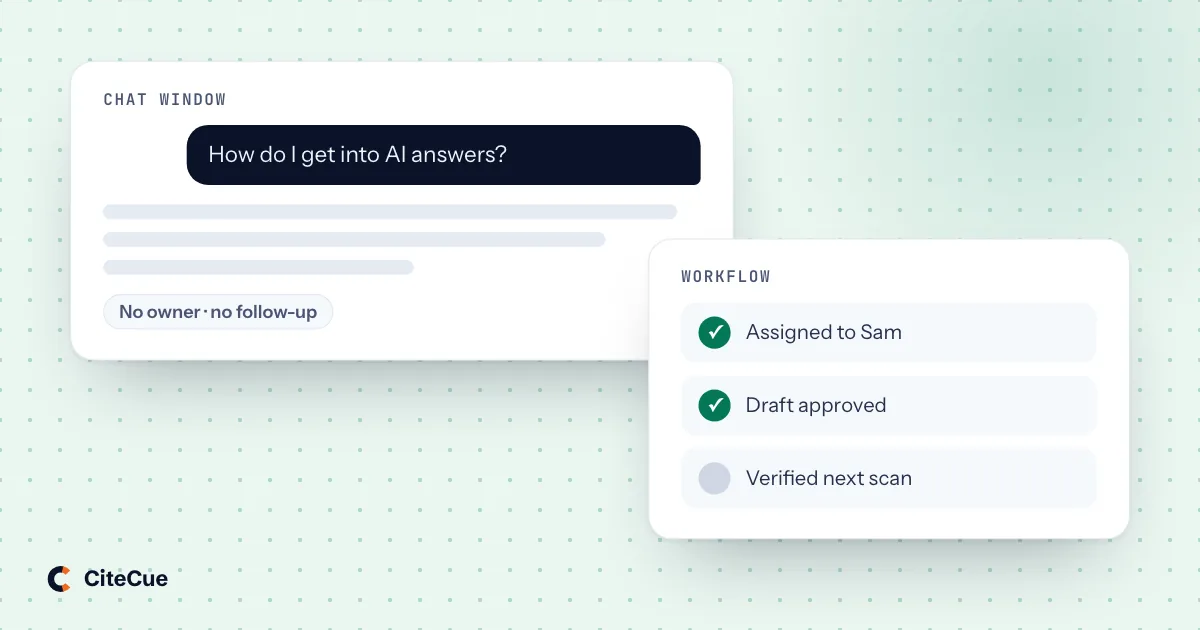
Open an AI assistant and ask, “How can my company get recommended more often?” You will probably get a sensible list: publish clearer comparison pages, add evidence, earn reviews, improve structured data, answer buyer questions directly.
None of that is bad advice. The problem is that it could have been written for almost any company.
The assistant does not automatically know which buying questions currently exclude you, which competitor is winning them, which sources the answer trusts, or whether your biggest problem is weak content, thin third-party authority, blocked crawlers, or a pricing page an agent cannot navigate. Without that evidence, even an excellent model is choosing a plausible starting point rather than the right starting point.
That is the difference between asking for a recommendation and running a workflow.
The issue is not the intelligence of the agent
Claude, ChatGPT, Cursor, Codex, and other agents can analyze, draft, summarize, and help a team move faster. CiteCue is not trying to replace them.
It gives them better inputs.
A standalone agent usually works from what you put in the conversation: your question, a few URLs, a screenshot, or a description of the problem. The quality of its answer is bounded by that context. It may inspect your site, but one inspection still does not create a stable baseline across the buying questions and answer engines that matter to your market.
CiteCue builds that baseline first. It tracks the same prompt set over time, keeps the complete answers and cited sources, compares you with the competitors actually appearing, and stores what changed between scans. The result is a record that a person or agent can interrogate without reconstructing the situation from memory.
If you want the detailed comparison with checking answers manually, see what a chat window cannot tell you about AI visibility.
Give the agent a brief it can verify
The most useful unit of AI visibility work is not a prompt like “write a comparison page.” It is a compact evidence bundle:
- the buying question where the company lost;
- the complete answers returned by the engines in the scan;
- the competitors and sources that appeared;
- the factor gap behind the opportunity;
- the affected page and the current status of the fix; and
- the condition a later scan should check.
CiteCue keeps those pieces in the same project. Prompts Monitoring holds the question and full answers, Citations & Competitors holds the source and factor evidence, and Content Fixes turns that evidence into work.
Now an agent can reason about a defined case. It can still disagree with the proposed action, spot missing context, or suggest a better implementation. What it no longer has to do is invent the diagnosis from a sentence in chat.
Five useful jobs for a grounded agent
1. Interrogate a result
Instead of asking “How do we improve AI visibility?”, a marketer can ask which tracked questions lost the most ground, where a specific competitor is winning, or which cited domains influence a topic. The answer comes from the project's data rather than a general explanation of GEO.
This is where a chat interface is genuinely helpful: follow-up questions are quicker than learning every dashboard filter, especially for someone who only needs one decision.
2. Turn a named opportunity into a usable draft
Once CiteCue has identified the page, evidence, and missing signal, an agent can help adapt the work to the company's voice. It might draft the first version of a comparison section, convert a finding into an editorial brief, or explain the technical steps for the CMS the team uses.
The distinction is small but important. The agent is not choosing a content format because comparison pages are generally fashionable. It is drafting against an opportunity tied to a real loss.
3. Create a handoff for the right team
The same finding needs a different package depending on who owns it. A content writer needs the buyer question, source evidence, angle, and acceptance criteria. A developer needs the affected URL, technical condition, implementation constraints, and a verification step. A brand lead needs the inaccurate claim and where it appeared.
An agent is good at translating one structured finding into those different briefs. CiteCue keeps the common source attached so the handoffs do not become three competing interpretations.
4. Take narrow, reversible actions
On Optimize and Agency, CiteCue's remote MCP server can give supported agents permissioned access to project and scan data. The agent can read the metrics, prompts, sources, factor gaps, opportunities, readiness checks, and agent-usability results directly instead of working from a pasted screenshot.
Its write access is deliberately smaller. It can start a scan, add or edit prompts, add a competitor, and move an opportunity through the fix queue's real statuses. Plan caps and project permissions still apply. Deletes, billing, and team membership are unavailable.
That is a useful automation boundary: enough access to reduce coordination work, not enough to turn one misunderstood instruction into lost history or an account-level change. Read the full MCP access and safety model.
5. Explain the result to the next decision-maker
After a later scan, an agent can summarize what moved, what stayed flat, which changes remain unverified, and what deserves attention next. The stored scan is still the record; the agent makes it faster to read for a weekly marketing meeting, a client update, or a development ticket.
That is a better use of generation than asking the model whether its own draft “looks improved.” The agent explains the measurement. It does not substitute for it.
Keep the responsibilities clear
| CiteCue owns | The agent helps with | Your team still decides |
|---|---|---|
| Repeatable project data and scan history | Questions, analysis, and summaries | Which buyer questions matter to the business |
| Prompt, citation, competitor, and factor evidence | Drafts and team-specific handoffs | Whether the diagnosis fits market reality |
| Opportunity status and later verification | Reversible actions allowed through MCP | What gets approved and published |
| Plan permissions and protected account boundaries | Faster navigation of the available data | How to earn authority outside your own site |
For supported content changes, AI Auto-Fix can maintain an llms.txt file and, on Optimize and Agency with a delivery connection, serve AI-optimized variants to crawlers. That remains a CiteCue workflow governed by the approval and automation rules you set, not an unrestricted publishing tool for the agent.
Easy to start, detailed when you need it
Setup begins with a URL. CiteCue reads the site into an editable AI Context, proposes a starter prompt set, and guides the user through the first scan. Guided mode keeps the main workflow to Home, Monitor, Fix, and Report; Expert mode and the full project data stay one switch away. See the complete Guided mode walkthrough.
That makes the split practical for a small marketing team: use CiteCue directly for the next action, or connect an agent when conversational analysis and handoffs save time. The underlying record is the same either way.
What this approach does not promise
CiteCue cannot guarantee that an answer engine recommends you. No honest tool can. AI answers also vary, which is why trends across repeated scans matter more than one response.
It cannot manufacture third-party authority, reviews, press, or community trust. It can show where those gaps are and which sources matter, but the company still has to earn them.
And the most automated features depend on the plan and setup. MCP access, Autopilot and Agent Usability start on Optimize, and AI Auto-Fix also needs a supported delivery connection. The current limits and engine coverage are listed on pricing.
From advice to an operating loop
Ask Claude for ideas when you need ideas. Ask an agent to draft when you need a draft. But when the question is which AI visibility problem should our company solve next, and did the work pay off?, use a system that keeps the evidence attached from detection through verification.
Run a free AI visibility audit to see how an AI answer currently represents your brand. No card is required.