For video AEO, make the evidence in a webinar or product demo traceable. Review the audio and essential visuals, correct captions, publish a descriptive transcript, and link material claims to the relevant moments. Give the recording an identifiable edition and a usable watch page. Then inspect whether later AI answers preserve the claim's original scope and point readers to supporting evidence.
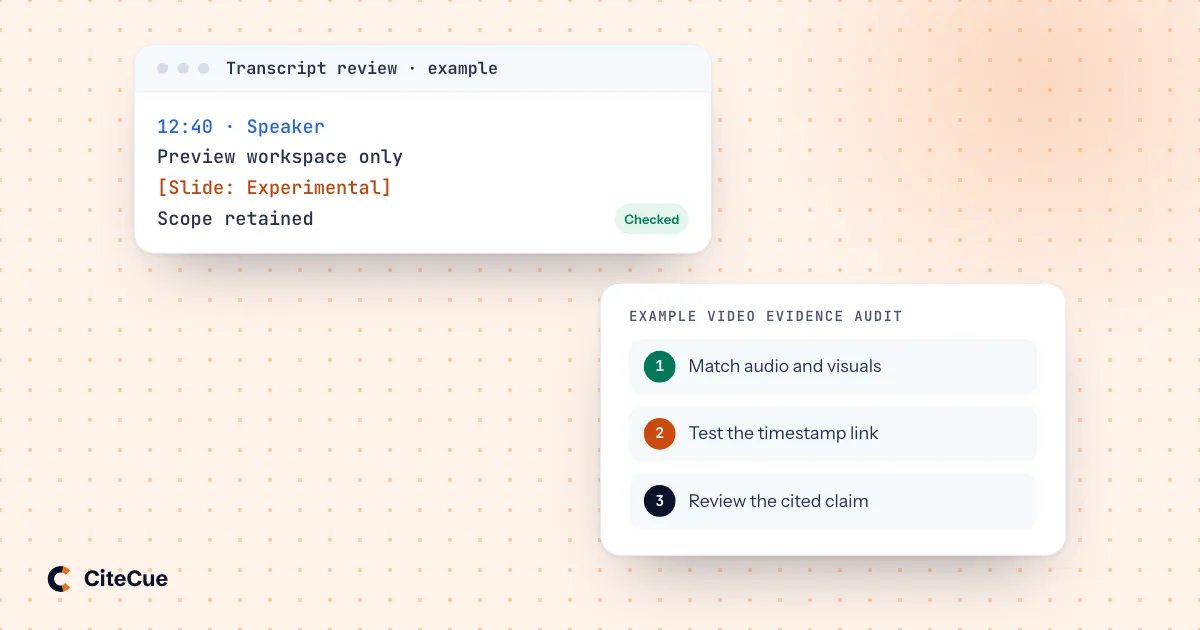
A presenter demonstrates a feature in a preview workspace. The spoken explanation says it works “in this environment,” while a slide labels the feature experimental. A short recap removes both qualifications and describes general availability. The problem began when the team converted a demonstration into a broader product promise.
This guide covers that conversion and verification process. It is a publishing workflow for marketing and documentation teams, not a claim that a transcript or a particular chapter format guarantees AI citations. The guide to publishing PDF reports for AI visibility handles document extraction and equivalent report formats; video introduces a different task: preserving meaning across speech, visuals, and time.
Identify the recording and the claims worth preserving
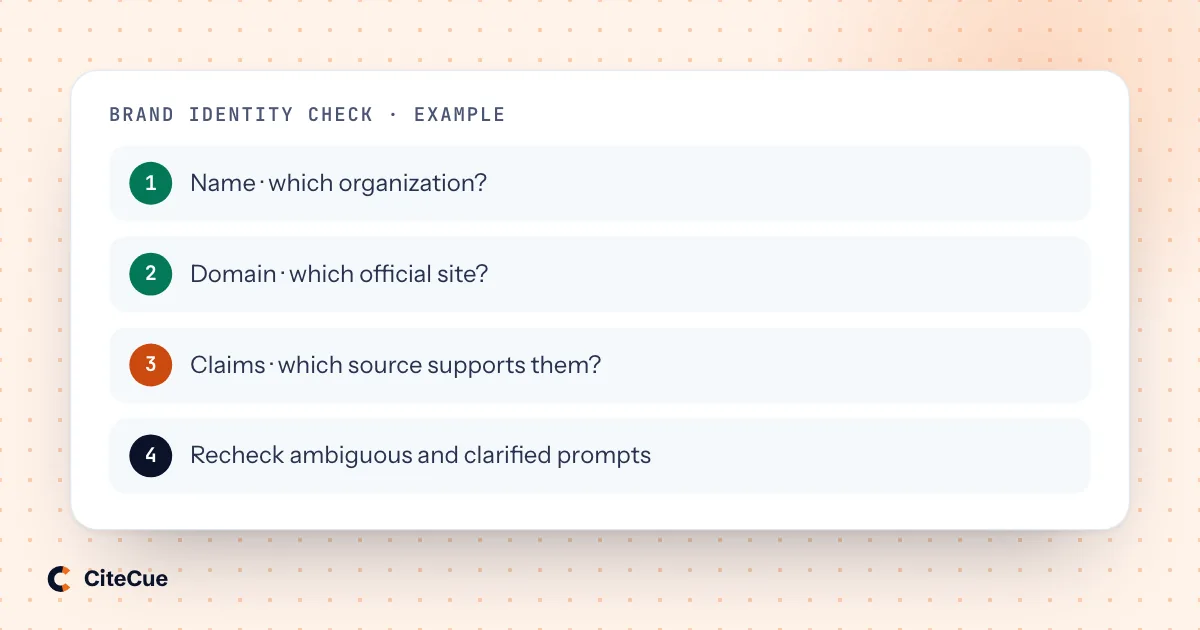
Start with the actual recording rather than its promotional title. Record the speaker, event, recording date, public release date, product version or environment shown, language, host, and responsible editor. Distinguish a complete webinar from a shortened replay or a clip made from it.
Choose the reader decisions the recording can support. A walkthrough might demonstrate a configuration step, explain a limitation, or show how a workflow behaved in a particular release. A panel discussion might provide a named expert's interpretation rather than evidence of a product capability. Keep those roles explicit.
Review material claims before writing the recap:
| Claim type | What to inspect in the recording |
|---|---|
| Product capability | The action shown, prerequisites, environment, and stated limits |
| Availability | Whether the speaker describes a preview, a planned release, or something customers can use |
| Research finding | The measure, population, collection period, and method referenced |
| Recommendation | Whose opinion it is and which situation it addresses |
| Customer example | The evidence and permissions supporting what can be published |
Do not turn a proposed feature into a current specification. For a present-day buying question, link to maintained product documentation where the facts have changed. The recording can remain useful as historical evidence when its context is clear.
Review captions against the audio and describe essential visuals
Treat generated captions as a draft to check. Listen for product names, negation, units, speaker changes, and words that qualify a claim. A missing “not,” an incorrect plan name, or an omitted condition can reverse the meaning even when most of the sentence looks plausible.
W3C's caption guidance explains that automatic captions usually need editing and must be confirmed accurate. Review timing as well as wording so the captions stay associated with the relevant speech. Check important passages against the recording rather than approving the file solely because it reads fluently.
An audio transcript can still omit the most important evidence in a demo. The presenter may say “select this option” while pointing at a permission setting, or a slide may contain a limitation that is never spoken aloud.
W3C's transcript guidance distinguishes basic transcripts of speech and necessary audio information from descriptive transcripts that also convey essential visual information. Use that distinction when preparing a text edition. Describe the option, chart label, or relevant on-screen state a reader needs to understand the demonstration.
Keep added descriptions distinguishable from spoken words. For example, an editor can label an on-screen note or describe a selected setting without putting those words into the speaker's mouth. Preserve an accurate quotation separately from any explanation added for context.
These accessibility resources help preserve the meaning of the recording for readers with different needs. They do not document a private AI ranking factor or establish that every retrieval system will consume your caption file.
Map material claims to a moment and a qualification
Create a small editorial record connecting each reusable claim to its evidence. This can be a spreadsheet or content brief; it does not require a new page for every sentence.
| Record field | What the editor should retain |
|---|---|
| Proposed claim | The sentence intended for the recap or product explanation |
| Relevant interval | The start and end of the passage needed to understand it |
| Spoken evidence | What the speaker actually says, with attribution |
| Visual evidence | The setting, slide note, or result visible at that point |
| Qualification | Version, environment, prerequisites, limitations, or uncertainty |
| Current reference | Maintained documentation when the claim concerns today's product |
| Reviewer | The person who checked that the proposed wording follows from the evidence |
Consider a fictional demo. At 12:40, a presenter shows a bulk export in a preview workspace, while a slide says the feature is experimental. “The demo shows bulk export in a preview workspace” preserves the evidence. “Bulk export is available to every customer” needs separate current support. The timestamp is illustrative, not a reference to an actual CiteCue recording.
Link to enough of the passage to include the qualification. A clip beginning after “this is an experimental workflow” can misrepresent the demonstration even if the remaining words are transcribed perfectly. Check the lead-in, the visible note, and any immediate correction before choosing a segment.
Give the recording an appropriate watch page and accurate metadata
Decide whether a page exists mainly to let people watch one recording or to explain a topic using a video as supporting material. Both can be useful, but they serve different search and reader purposes.
Google's video SEO guidance describes dedicated watch pages where watching a single video is the main purpose. It distinguishes them from articles or product pages with complementary videos, which can still be eligible for text results. Apply its video-feature requirements to the page type you are actually publishing rather than calling every embedded player a watch page.
Give the page a specific title and description, identify the speaker and recording context, and place the transcript or its clearly labelled link where a viewer can find it. Label a summary as a summary. A recap that selects a few points should not be presented as the complete spoken record.
Google's video structured-data documentation describes VideoObject fields including the name, thumbnail, and first-publication date. Its uploadDate definition concerns when the video was first published. Keep that distinct from the day an editor reviewed the transcript or changed the surrounding web page.
Where you implement Google's key-moment features, follow its Clip or SeekToAction requirements. The documented URLs must support links into the video. Test those links with the actual player; a timestamp-looking fragment that does nothing is not a useful route to the evidence.
Validate the rendered markup and compare it with the video a visitor receives. Correct markup describes the resource and supports the documented Google features; it does not demonstrate citation selection or faithful interpretation in an assistant's answer.
Test playback, readable text, and links to the right moment
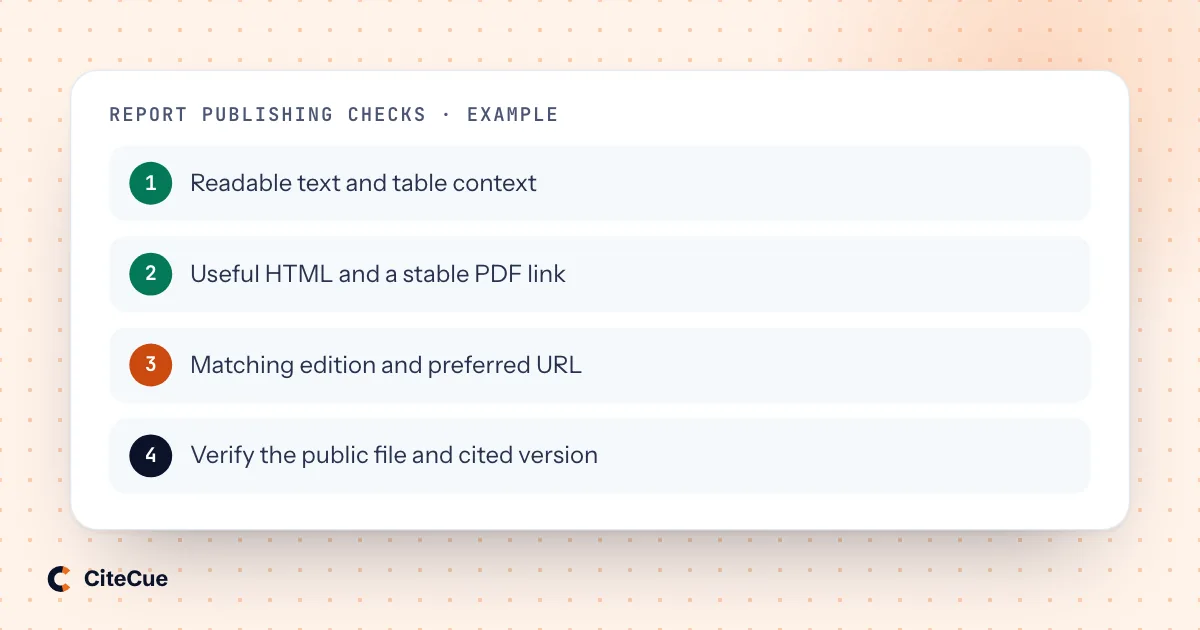
Open the published page in a fresh session and follow the reader's path. Confirm that the player loads, the intended edition plays, captions can be selected, and the transcript is readable. Test on the layouts and player configurations your audience will use.
Check a few representative moments: a speaker change, a slide with a qualification, and a step where the screen provides information absent from the narration. Open each deep link and verify that playback begins where its label promises. If the player requires an action before playback, make sure the route still preserves the intended moment.
Separate the URLs in your handoff: the watch page, the embedded player, any public hosting-platform page, the transcript, and links to segments. They may refer to related material without being interchangeable. A page can return a successful HTTP response while the embedded recording is unavailable or requires a different account.
If the full recording is restricted, describe that access requirement accurately and identify which evidence is public. A publicly readable summary does not make the complete recording public. Verify the experience you intend to offer rather than relying on a logged-in editor's preview.
Retain the publication checks beside the claim record. That gives the web team a reproducible issue if a caption track, player setting, or timestamp link later stops working.
Audit the cited claim and maintain its recording context
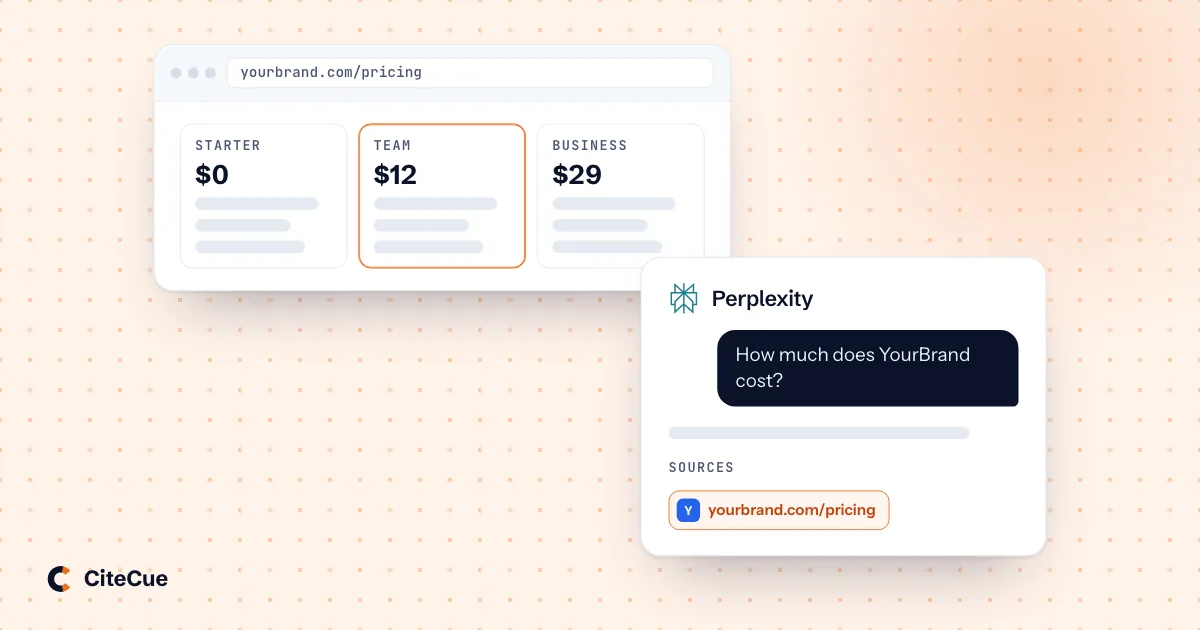
Use questions that expose the distinction between a recorded demonstration and a current product fact. “What did this webinar demonstrate?” and “Is this capability available today?” have different evidence needs. Keep the wording and the intended source scope in your monitoring record.
CiteCue's Prompts Monitoring keeps the full responses to configured questions. Use those answers to inspect the actual source link and the wording of the disputed claim, then check the matching recording interval, transcript, and maintained documentation. The timestamp and visual review are editorial work; the stored answer does not establish that an assistant watched the embedded video.
Record whether the answer cites your watch page, a hosting-platform page, a transcript, or another source. Check which edition it points to and whether the cited material supports the claim with its qualifiers. Keep an unsupported claim unresolved if the available source does not explain where it came from.
When a confirmed page gap needs work, use CiteCue's content fix workflow to prioritize the correction alongside the recording owner's tasks. Correct caption errors, distinguish annotations from quotations, and add a visible note when a demo no longer represents current availability. The product documentation guide covers the maintained destination for current requirements and limitations.
After editing or trimming a recording, recheck timestamps, captions, chapter labels, transcript links, and any segment markup. A timing change can invalidate references that worked for the previous edition. Preserve identifiable editions or update the references deliberately, with a record of what changed.
Close the publishing job when a reviewer can locate the relevant passage, understand what was said and shown, see the applicable qualification, and find the current reference where needed. Review later AI answers as a separate observation of how that evidence was represented.